일반적인 업그레이드 지침은 아래 지침을 따르세요. 특정 버전에는 구체적인 업그레이드 지침이 있을 수 있으며, 이는 더 구체적인 업그레이드 가이드에 자세히 설명되어 있습니다.
Kubernetes(Helm)
repo를 추가하지 않았다면 다음 명령어를 실행하여 추가하세요:
helm repo add langchain https://langchain-ai.github.io/helm/
기본 namespace가 아닌 다른 namespace를 사용하는 경우 -n <namespace> 플래그를 사용하여 helm 및 kubectl 명령어에 namespace를 지정해야 합니다.
helm search repo langchain/langsmith --versions
langchain/langsmith     0.10.14         0.10.32         Helm chart to deploy the langsmith application ...
langchain/langsmith     0.10.13         0.10.32         Helm chart to deploy the langsmith application ...
langchain/langsmith     0.10.12         0.10.32         Helm chart to deploy the langsmith application ...
langchain/langsmith     0.10.11         0.10.29         Helm chart to deploy the langsmith application ...
langchain/langsmith     0.10.10         0.10.29         Helm chart to deploy the langsmith application ...
langchain/langsmith     0.10.9          0.10.29         Helm chart to deploy the langsmith application ...
helm upgrade <release-name> langchain/langsmith --version <version> --values <path-to-values-file> --wait --debug
helm status <release-name>
Running 상태여야 합니다. clickhouse가 실행 중이고 두 migrations job이 모두 완료되었는지 확인하세요.
kubectl get pods
NAME                                     READY   STATUS      RESTARTS   AGE
langsmith-backend-95b6d54f5-gz48b        1/1     Running     0          15h
langsmith-pg-migrations-d2z6k            0/1     Completed   0          5h48m
langsmith-ch-migrations-gasvk            0/1     Completed   0          5h48m
langsmith-clickhouse-0                   1/1     Running     0          26h
langsmith-frontend-84687d9d45-6cg4r      1/1     Running     0          15h
langsmith-hub-backend-66ffb75fb4-qg6kl   1/1     Running     0          15h
langsmith-playground-85b444d8f7-pl589    1/1     Running     0          15h
langsmith-queue-d58cb64f7-87d68          1/1     Running     0          15h
배포 검증:
-
kubectl get services 실행
출력은 다음과 유사해야 합니다:
NAME                         TYPE           CLUSTER-IP       EXTERNAL-IP     PORT(S)                      AGE
kubernetes                   ClusterIP      172.20.0.1       <none>          443/TCP                      27d
langsmith-backend            ClusterIP      172.20.22.34     <none>          1984/TCP                     21d
langsmith-clickhouse         ClusterIP      172.20.117.62    <none>          8123/TCP,9000/TCP            21d
langsmith-frontend           LoadBalancer   172.20.218.30    <external ip>   80:30093/TCP,443:31130/TCP   21d
langsmith-platform-backend   ClusterIP      172.20.232.183   <none>          1986/TCP                     21d
langsmith-playground         ClusterIP      172.20.167.132   <none>          3001/TCP                     21d
langsmith-postgres           ClusterIP      172.20.59.63     <none>          5432/TCP                     21d
langsmith-redis              ClusterIP      172.20.229.98    <none>          6379/TCP                     20d
-
langsmith-frontend service의 external ip를 curl하세요:
curl <external ip>/api/info
{"version":"0.5.7","license_expiration_time":"2033-05-20T20:08:06","batch_ingest_config":{"scale_up_qsize_trigger":1000,"scale_up_nthreads_limit":16,"scale_down_nempty_trigger":4,"size_limit":100,"size_limit_bytes":20971520}}
버전이 업그레이드한 버전과 일치하는지 확인하세요.
-
브라우저에서
langsmith-frontend service의 external ip를 방문하세요
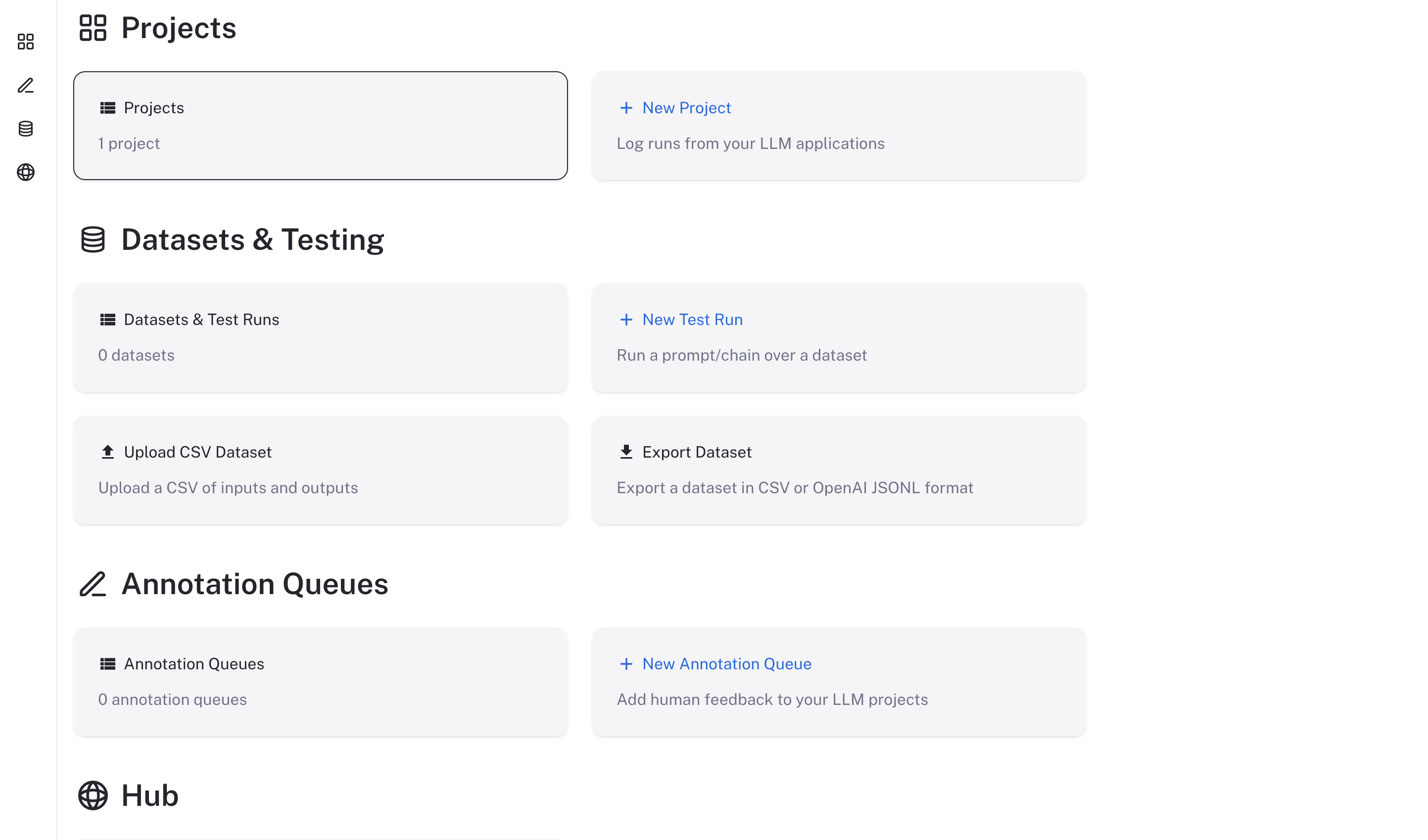
LangSmith UI가 표시되고 작동해야 합니다
Docker
LangSmith의 Docker 버전 업그레이드는 Helm 버전보다 다소 복잡하며 약간의 다운타임이 필요할 수 있습니다. LangSmith의 Docker 버전을 업그레이드하려면 아래 지침을 따르세요.
docker-compose.yml 파일을 최신 릴리스에서 사용된 파일로 업데이트하세요. LangSmith SDK GitHub repository에서 찾을 수 있습니다- 새 버전에 필요한 새로운 환경 변수로
.env 파일을 업데이트하세요. 이러한 내용은 새 버전의 릴리스 노트에 자세히 설명되어 있습니다.
- 다음 명령어를 실행하여 현재 LangSmith 인스턴스를 중지하세요:
- 다음 명령어를 실행하여 백그라운드에서 새 LangSmith 인스턴스를 시작하세요:
모든 것이 성공적으로 실행되면 모든 LangSmith container가 실행 중이고 정상 상태인 것을 볼 수 있습니다.
CONTAINER ID   IMAGE                                  COMMAND                  CREATED        STATUS                        PORTS                                                      NAMES
e1c8f01a4ffc   langchain/langsmith-frontend:0.5.7     "/entrypoint.sh ngin…"   10 hours ago   Up 40 seconds                 0.0.0.0:80->80/tcp, 8080/tcp                               cli-langchain-frontend-1
39e1394846b9   langchain/langsmith-backend:0.5.7      "/bin/sh -c 'exec uv…"   10 hours ago   Up 40 seconds                 0.0.0.0:1984->1984/tcp                                     cli-langchain-backend-1
f8688dd58f2f   langchain/langsmith-go-backend:0.5.7   "./smith-go"             10 hours ago   Up 40 seconds                 0.0.0.0:1986->1986/tcp                                     cli-langchain-platform-backend-1
006f1303b04d   langchain/langsmith-backend:0.5.7      "saq app.workers.que…"   10 hours ago   Up 40 seconds                                                                            cli-langchain-queue-1
73a90242ed3a   redis:7                                "docker-entrypoint.s…"   10 hours ago   Up About a minute (healthy)   0.0.0.0:63791->6379/tcp                                    cli-langchain-redis-1
eecf75ca672b   postgres:14.7                          "docker-entrypoint.s…"   10 hours ago   Up About a minute (healthy)   0.0.0.0:5433->5432/tcp                                     cli-langchain-db-1
3aa5652a864d   clickhouse/clickhouse-server:23.9      "/entrypoint.sh"         10 hours ago   Up About a minute (healthy)   9009/tcp, 0.0.0.0:8124->8123/tcp, 0.0.0.0:9001->9000/tcp   cli-langchain-clickhouse-1
84edc329a37f   langchain/langsmith-playground:0.5.7   "docker-entrypoint.s…"   10 hours ago   Up About a minute             0.0.0.0:3001->3001/tcp                                     cli-langchain-playground-1
배포 검증:
-
cli-langchain-frontend-1 container의 노출된 포트를 curl하세요:
curl localhost:80/info
{"version":"0.5.7","license_expiration_time":"2033-05-20T20:08:06","batch_ingest_config":{"scale_up_qsize_trigger":1000,"scale_up_nthreads_limit":16,"scale_down_nempty_trigger":4,"size_limit":100,"size_limit_bytes":20971520}}
-
브라우저에서
cli-langchain-frontend-1 container의 노출된 포트를 방문하세요
LangSmith UI가 표시되고 작동해야 합니다

